



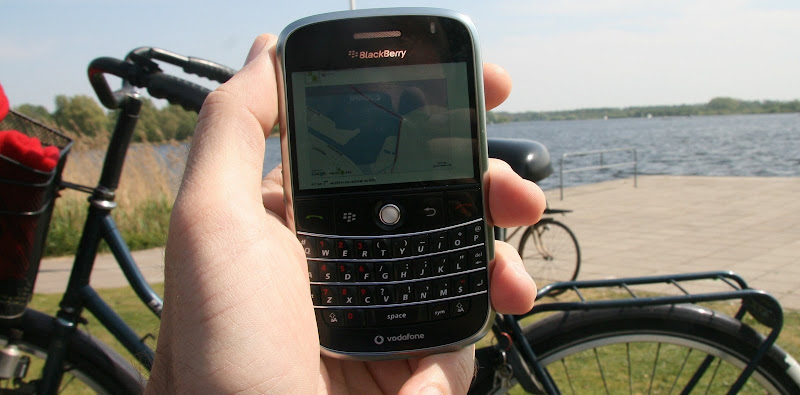
Website m.routeyou.com for mobile launched
Source Image: Pascal Brackman
For those using a
mobile (iPhone, Blackberry, HTC, Nokia, ... or any other SmartPhone
with a browser), RouteYou launched his first
beta-version of m.routeyou.com.
Yes. It starts with the M of mobile so M.routeyou.com instead
of WWW.routeyou.com.
There are two basic functionalities available via m.routeyou.com.
There are two basic functionalities available via m.routeyou.com.
- Selecting and viewing a route with informaiton in the neighbourhood
- Selecting and viewing a POI (Point of Interest) with information in the neighbourhood
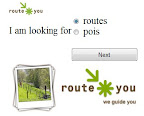 |
Step 1: Select Routes or POIs (Points of Interest) |
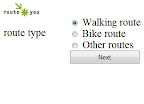 |
Step 2: Select the type of the route |
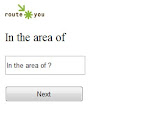 |
Step 3: Type in the area of choice (address) |
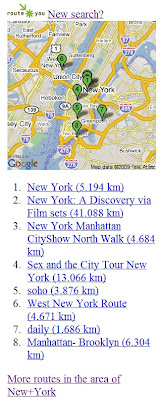 |
Step 4: Get a list of available routes and select one or get more options |
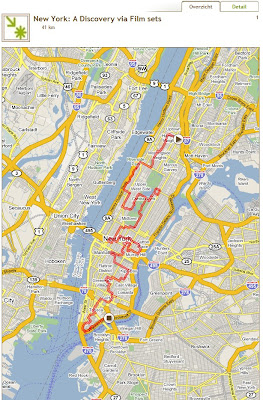 |
Step 5: View and walk the route |